
Windows Remote Desktop
Get a Free Quick Solution of Website

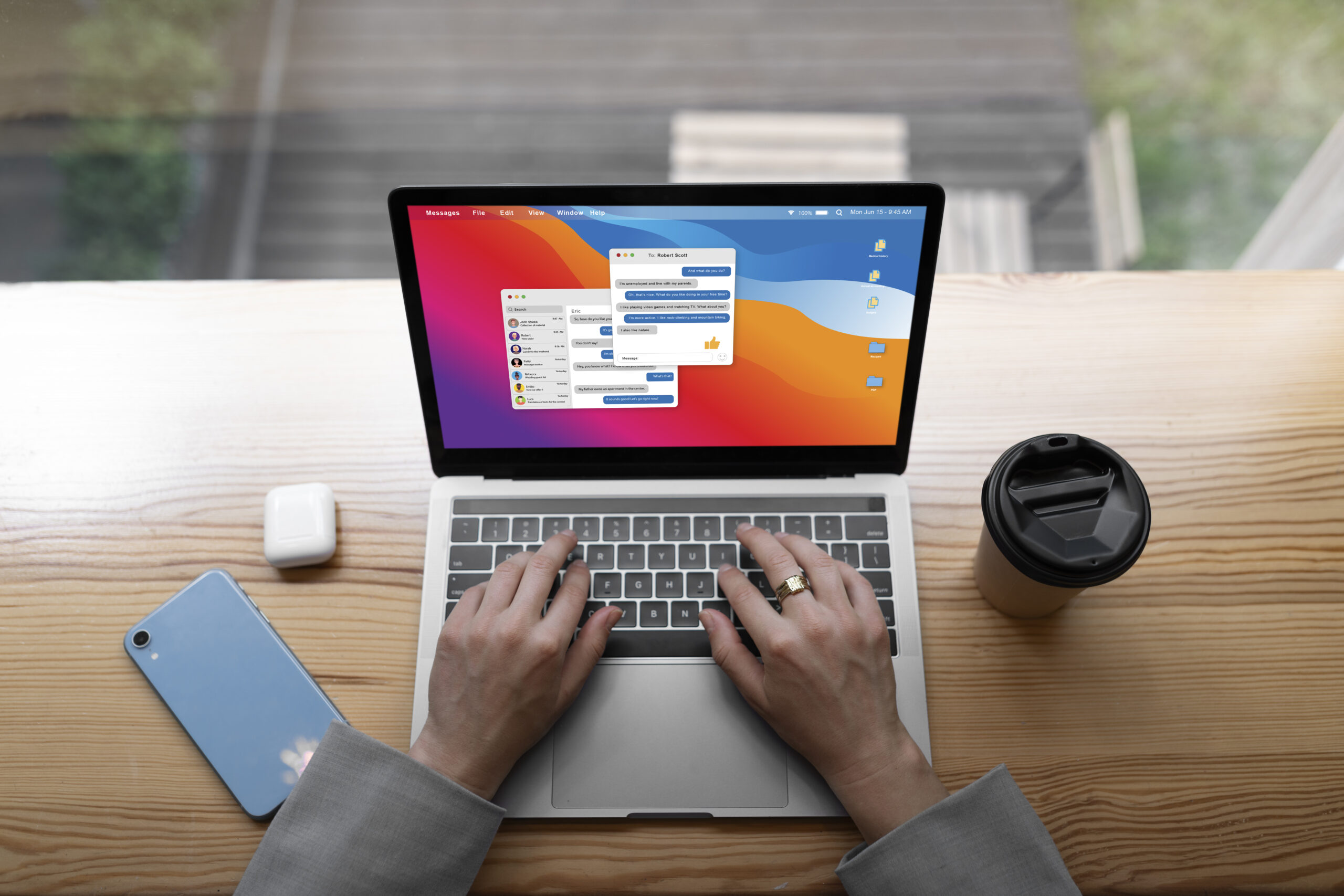
Windows Remote Desktop – Secure, Flexible, and Efficient Remote Access
Windows Remote Desktop allows users to securely access their desktops, applications, and files from anywhere, anytime. It provides a seamless remote working experience without compromising security or performance. Employees can work as if they are on their office PC, while IT teams maintain control over access and resource allocation.


Key Points:
- Secure Remote Access
Users can securely access their office computers, servers, or applications from anywhere using encrypted connections.
- Centralized Management
Administrators can manage all users, applications, and desktop environments centrally, reducing administrative overhead.
- Reduced Hardware Cost
Users can work from low-spec PCs or thin clients since processing happens on the server.
- Improved Productivity
Remote Desktop allows employees to work from home, client sites, or during travel without interruption.
- Application Virtualization
Applications can be installed only once on the RDP server and made available to multiple users, reducing setup time.
- Controlled Access and Permissions
Access rights can be defined per user or department, ensuring only authorized users access specific applications or data.
- Enhanced Data Security
Data remains on the server rather than on local devices, reducing the risk of data theft, accidental deletion, or malware attacks.
- Centralized Backup and Monitoring
All user activities and data reside on the server, enabling easy backup, restore, and monitoring processes.
- Better Performance and Consistency
Users experience uniform performance and software versions because everything runs on the same server environment.
- Scalability
Remote Desktop environments can be expanded easily as your business grows—adding more users or resources without replacing client machines.